Skip to content
View in the app

A better way to browse. Learn more.

The Gladiatorz

A full-screen app on your home screen with push notifications, badges and more.

To install this app on iOS and iPadOS
  1. Tap the Share icon in Safari
  2. Scroll the menu and tap Add to Home Screen.
  3. Tap Add in the top-right corner.
To install this app on Android
  1. Tap the 3-dot menu (⋮) in the top-right corner of the browser.
  2. Tap Add to Home screen or Install app.
  3. Confirm by tapping Install.

Croesus - Learner Friendly

This event began 10/01/2026 and repeats every 2 weeks forever

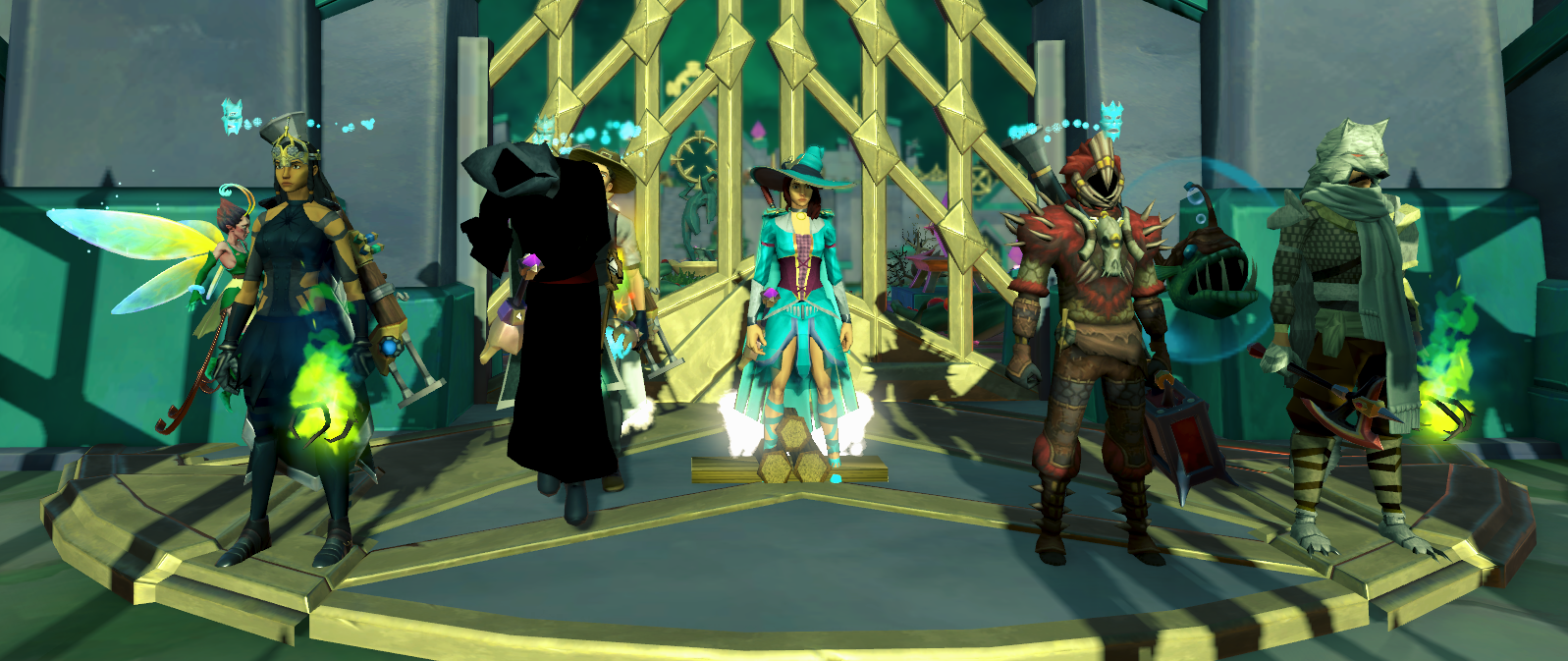
Croesus Stirs! Skill and get some drops with the crew at Croesus GWD3 dungeon


Croesus is a bit challenging to learn, as there are several tasks that need to be completed before the killing can start. 


I will be hosting a bi-weekly Croesus learning session with the goal of getting more people comfortable with this boss, as it is quite profitable and fun. I encourage the pros to attend as well!


This is a SAFE ENCOUNTER with no chance of going to death's office. Let's have fun and learn in a relaxed environment. I will be leading instruction on discord/voice chat. Alt1 Croesus timer can also be used. 


What: Croesus front in GWD3.

When: 01:00 Game Time (UTC)

Where: World 39 

Why: High value drops / Learning a boss that doesn't require combat / Fun with the Gladz

 

Guide:  

Recommended Comments

Ms Michelle

Ms Michelle

Users

Thank you! I might make this the first time I go! *giggles* and for those that don't know only cause I seen in chat someone thought it was 7 PM central it's not it's 6 pm central time! Just clarifying!  Thank you, Topher, for hosting! had a ton of fun in the arma one! Let's go!

Mr Topher Enthusiast

Mr Topher

Awarded Gladiator

@Events Team any croesus pros who can show up for this to help the learners guarantee kills would be massively appreciated!

Account

Navigation

Search

Search

Configure browser push notifications

Chrome (Android)
  1. Tap the lock icon next to the address bar.
  2. Tap Permissions → Notifications.
  3. Adjust your preference.
Chrome (Desktop)
  1. Click the padlock icon in the address bar.
  2. Select Site settings.
  3. Find Notifications and adjust your preference.